
Choosing between fiber internet and cable internet is one of the most consequential decisions you’ll make for your home or small business connectivity. With remote work now standard, smart homes expanding, and bandwidth demands climbing every year, picking the right technology matters more than ever. In addition to traditional fiber and cable, new options like internet air and high-speed services using cellular networks are emerging for businesses needing quick and flexible connectivity.
This guide breaks down everything you need to know about fiber internet versus cable internet in 2026—from real-world speeds and costs to reliability and installation, including the variety of fiber plans available and the impact of slower speeds in certain areas. By the end, you’ll know exactly which option fits your situation.
Key Takeaways
-
Fiber internet generally delivers faster, more reliable, and more future-proof connections than cable internet. However, cable remains cheaper and more widely available across the United States in 2026.
-
Fiber commonly offers symmetrical speeds up to multi-gigabit levels (1–10 Gbps and beyond), while cable often tops out at 1–1.2 Gbps for downloads with much slower upload speeds typically capped around 10–35 Mbps.
-
For heavy upload use—video conferencing, cloud backups, online gaming, and remote work—fiber has a noticeable real-world advantage due to its symmetrical upload and download capabilities.
-
Cable internet still covers a larger share of U.S. households (around 80%+) and often features lower introductory prices, but may suffer congestion during peak evening hours in dense neighborhoods.
-
Fiber networks report approximately 70% fewer service interruptions compared to cable over a typical year, making them the better choice for reliable connectivity.
-
Quick recommendation: Choose fiber where available and affordable for the best long-term performance. Choose cable when fiber isn’t in your area yet or when you need the lowest short-term price.
-
How Fiber and Cable Internet Actually Work
Understanding how each technology moves data makes it easier to grasp why fiber outperforms cable in most performance categories. Here’s a plain-English overview of what’s happening behind the scenes.
Cable Internet: Copper and Electrical Signals
Cable internet uses coaxial cables—the same copper infrastructure originally deployed for cable TV service. These cables transmit data through electrical signals, which comes with inherent limitations:
-
Signal degradation over distance: Electrical signals weaken as they travel through copper, reducing performance the farther you are from the provider’s node.
-
Electromagnetic interference: Copper is susceptible to interference from power lines, electronics, and radio signals.
-
Shared bandwidth architecture: Your neighborhood typically shares a single connection point, meaning everyone’s traffic competes for the same capacity.
Fiber Internet: Glass and Light Pulses
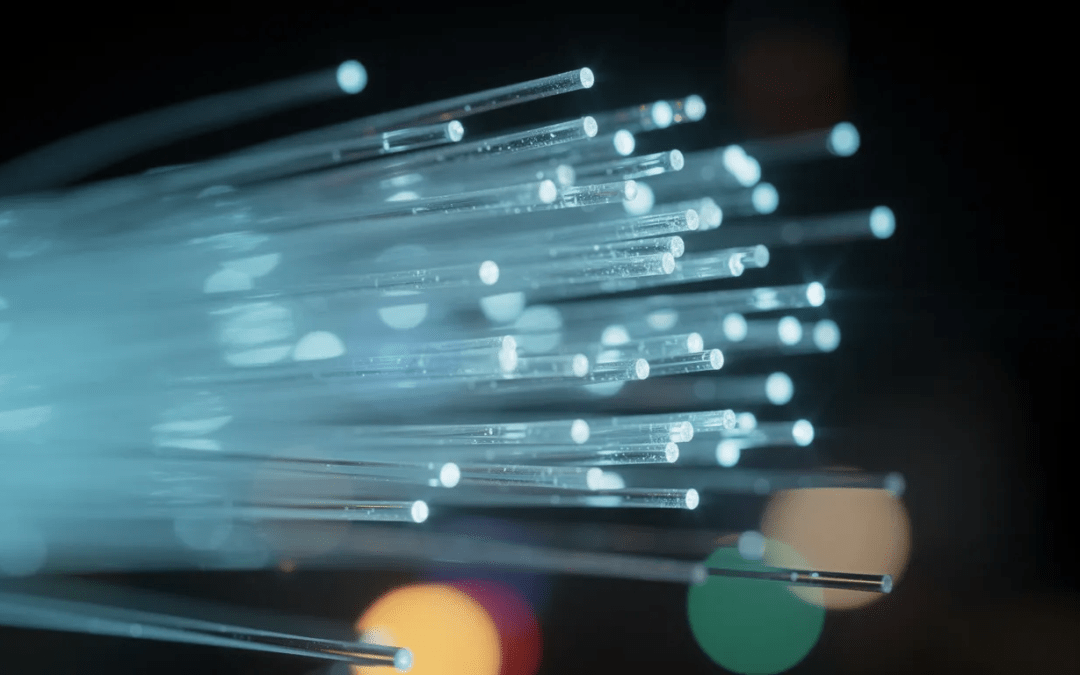
Fiber optic internet takes a fundamentally different approach. Data travels as pulses of light through thin strands of glass or plastic fiber optic cables. This design offers several advantages:
-
No signal degradation: Light maintains its integrity over extremely long distances.
-
Immunity to interference: Because there are no electrical signals involved, fiber is unaffected by electromagnetic interference.
-
Massive bandwidth capacity: Fiber cables can carry significantly more data than similarly sized copper cables.
The catch? Fiber infrastructure is more expensive and time-consuming to build than cable, which explains why availability still lags in 2026 despite aggressive expansion by major internet service providers and municipal networks.
The bottom line: The physical medium—copper versus glass fiber—is the core reason fiber can outperform cable on speed, latency, and reliability.
Availability: Can You Actually Get Fiber or Cable Where You Live?
Availability is often the deciding factor. Many households and small businesses in 2026 can choose between cable providers, but not all have access to fiber at their business address or home.
Current U.S. Availability Figures
Based on recent FCC data:
|
Technology |
U.S. Household Coverage |
|---|---|
|
Cable Internet |
80%+ nationwide |
|
Fiber-to-the-Premises |
~40-45% (concentrated in urban/suburban areas) |
City-Level Reality Check
In a large metro like Charlotte or Phoenix, a major cable provider might cover over 90% of addresses. Meanwhile, leading fiber providers like Google Fiber or AT&T Fiber may only serve select neighborhoods—perhaps 50-70% of addresses in the same city.
Rural areas face even starker differences. They’re far more likely to have cable, DSL, or satellite internet options than true fiber optic internet, though some regions benefit from electric co-op or municipal fiber builds started between 2018-2024.
How to Check Your Options
Before comparing plans, confirm what’s actually available at your location:
- Check your address with multiple ISPs using their online availability tools
- Contact local utilities that may offer fiber through municipal or co-op programs
- Search for regional fiber providers that may not appear in national comparison tools
- Verify with neighbors since availability maps sometimes lag behind real-world buildouts
- Ask about expansion timelines if fiber isn’t available yet—many providers can give estimated dates
Cable vs Fiber Speeds and Performance
Both cable and fiber internet are fast enough for basic browsing and streaming. However, cable internet may deliver slower speeds in rural or suburban areas, which can impact bandwidth-intensive tasks. But they behave very differently once you examine upload speeds, latency, and performance during busy hours.
Typical Cable Download Speeds in 2026
Cable internet providers commonly offer these tiers:
|
Tier |
Download Speed |
Typical Upload Speed |
|---|---|---|
|
Basic |
200 Mbps |
10 Mbps |
|
Standard |
400 Mbps |
20 Mbps |
|
Premium |
800 Mbps |
25-35 Mbps |
|
Gigabit |
1-1.2 Gbps |
35 Mbps |
Notice the asymmetry: download speeds look impressive, but upload speeds remain significantly slower—often capping around 10 Mbps on standard plans.
Typical Fiber Speed Tiers in 2026
Fiber internet services typically offer symmetrical speeds:
|
Tier |
Download Speed |
Upload Speed |
|---|---|---|
|
Entry |
300 Mbps |
300 Mbps |
|
Standard |
500 Mbps |
500 Mbps |
|
Gigabit |
1 Gbps |
1 Gbps |
|
Multi-Gig |
2-10 Gbps |
2-10 Gbps |
Latency: The Hidden Performance Factor
Internet speed isn’t just about bandwidth. Latency—the time it takes for data to travel from source to destination—dramatically affects real-time applications.
-
Fiber latency: 1-5 milliseconds
-
Cable latency: 10-30 milliseconds
This difference matters enormously for video calls, VoIP systems, online gaming, and live streaming.
Real-World Performance by Use Case
|
Activity |
Cable Performance |
Fiber Performance |
Winner |
|---|---|---|---|
|
4K streaming (single user) |
Excellent |
Excellent |
Tie |
|
Multiple 4K streams + gaming |
May buffer during peak hours |
Consistent performance |
Fiber |
|
Twitch/YouTube live streaming |
Limited by slow uploads |
Smooth uploads possible |
Fiber |
|
Large file uploads to cloud |
5GB takes ~8 minutes |
5GB takes ~40 seconds |
Fiber |
|
Video conferencing (Zoom/Teams) |
Can lag during peak hours |
Reliable and crisp |
Fiber |
|
Competitive online gaming |
Higher ping, potential spikes |
Lower ping, stable connection |
Fiber |
Costs, Fees, and Contracts in 2026
Headline monthly prices tell only part of the story. Long-term value depends on promotional expirations, data caps, equipment fees, and contract terms.
Cable Internet Pricing
Many cable plans in 2026 advertise attractive introductory rates:
-
Basic tiers (100-300 Mbps): $20-$35/month promotional pricing
-
Gigabit tiers: $60-$80/month promotional pricing
However, these promotions typically expire after 12-24 months. After the promotional period ends, rates commonly increase by $30-$50 per month. Comcast Business and other major providers may also charge additional fees for equipment and installation.
Fiber Internet Pricing
Major fiber providers typically offer a variety of fiber plans, each with different pricing, features, and value for both consumers and businesses. These fiber plans include:
-
Entry tiers (300-500 Mbps): $40-$60/month
-
Symmetrical gigabit: $60-$80/month
-
Multi-gig plans: $100-$150+/month
The key difference? Many fiber providers advertise “no promo, no surprise” pricing or multi-year rate guarantees. Some include a price guarantee that locks in your rate for two to four years.
The True Cost Comparison
When measuring cost per Mbps—the price paid for each unit of speed—the value equation shifts:
|
Metric |
Cable |
Fiber |
|---|---|---|
|
Cost per Mbps |
$0.07-$0.87 |
~$0.04 |
|
Price stability |
Often increases after promo |
Usually stable |
|
2-year total cost |
Higher after promo expires |
More predictable |
Additional Costs to Consider
-
Equipment rental fees: Cable modems typically run $10-15/month; fiber gateways may be included or $10-15/month
-
Installation fees: Cable often lower; fiber may include construction charges for new builds
-
Early termination fee: More common with cable contracts
-
Data cap overages: Still more prevalent with cable than fiber
Choosing the Right Internet Plans
Selecting the right internet plan is a critical decision for any business aiming to maintain reliable internet service and maximize productivity. When evaluating business internet service options, start by assessing your company’s specific needs—consider the number of employees, the types of applications you use, and how many devices will be connected at once. For most modern businesses, a good internet speed starts at a minimum of 100 Mbps download and 20 Mbps upload, but companies with heavy cloud usage, video conferencing, or large file transfers should look for even higher speeds.
Business internet providers offer a range of internet plans, including fiber internet, cable internet, and wireless broadband. Fiber internet services are especially attractive for their symmetrical speeds, meaning upload and download speeds are the same—ideal for businesses that need to transfer large files or support multiple users on video calls. Unlimited data is another key feature to look for, ensuring your operations aren’t interrupted by data caps or throttling.
When comparing cable or fiber internet, prioritize plans that guarantee reliable connectivity and can scale as your business grows. Flexible plans allow you to adjust your internet service as your needs change, while a robust internet connection ensures your team can collaborate efficiently and serve customers without interruption. Ultimately, the best business internet plan is one that matches your current requirements and provides room for future expansion.
Reliability, Stability, and Real-World Experience
Reliability isn’t just about advertised uptime percentages—it’s about how often customers experience slowdowns, brief outages, or inconsistent performance during daily use. For businesses, it’s also crucial that customer support resolves any issues in a timely manner to minimize disruptions and keep operations running smoothly.
Cable’s Shared Bandwidth Challenge
Cable’s architecture means your neighborhood shares bandwidth through a common node. During prime time (typically 7-10 PM), this shared capacity gets stretched thin:
-
Download speeds may drop 20-40% from advertised rates
-
Upload speeds suffer even more during congestion
-
Video conference quality degrades noticeably
-
File syncing and cloud backups slow to a crawl
Fiber’s Dedicated Architecture Advantage
Fiber internet uses light signals over dedicated or less-congested pathways, resulting in:
-
More consistent actual speeds throughout the day
-
Lower packet loss for smoother streaming
-
Better performance during adverse weather
-
Passive networking infrastructure with fewer failure points
According to industry data, fiber networks reported approximately 70% fewer service interruptions compared to cable over a one-year period.
What Customer Satisfaction Data Shows
Independent customer satisfaction surveys (such as ACSI and J.D. Power) consistently show higher scores for fiber providers than for large cable ISPs across multiple U.S. regions. Business customers particularly value reliable internet service for mission-critical applications.
A Real-World Example
Consider Sarah, a marketing consultant who works from home. On cable, her video calls dropped or froze almost daily during evening hours when neighbors were streaming. After switching to fiber, her wi fi connection—backed by a fiber connection—stayed stable even during peak usage. Her video conferencing quality improved dramatically, and large data transfers that used to run overnight now complete in minutes.

Which Is Better for Work, Streaming, and Gaming?
The “best” technology depends on how heavily you use your internet connection and whether your traffic is mostly download-oriented or upload-intensive.
Remote Work and Small Business
For business internet, fiber’s advantages are substantial:
-
Symmetrical speeds handle simultaneous uploads and downloads
-
Low latency improves VPN performance and cloud app responsiveness
-
Reliable connectivity prevents disruptions during client calls
-
Large data files transfer quickly to cloud storage
-
Multiple users can work simultaneously without degradation
If you regularly conduct video calls, work with cloud-based collaboration tools, or need to transfer large files, fiber internet delivers measurable productivity benefits. Business internet providers increasingly recommend fiber for serious remote work setups.
Streaming and Everyday Home Use
For streaming-focused households, both technologies work well:
|
Streaming Need |
Cable |
Fiber |
|---|---|---|
|
Single 4K stream |
✓ |
✓ |
|
Multiple 4K streams |
May buffer at peak times |
Consistent |
|
Connected devices (smart home) |
Works, may slow with many devices |
Handles dozens easily |
|
Casual browsing |
✓ |
✓ |
Cable can handle multiple 4K streams, smart home devices, and casual browsing. However, fiber tends to maintain performance closer to advertised speeds during busy hours.
Online Gaming
For gaming, raw download speed beyond ~100 Mbps matters less than connection quality:
-
Latency: Fiber’s 1-5ms beats cable’s 10-30ms
-
Jitter: Fiber provides more stable ping times
-
Upload for streaming: Fiber enables gameplay streaming while playing
-
Peak hour stability: Fiber maintains performance when cable may spike
Competitive gamers and streamers strongly prefer fiber for these reasons.
Summary: If you rely heavily on uploads or latency-sensitive activities, fiber is clearly preferable. If your use is light to moderate and budget is tight, cable may be sufficient.
Installation, Equipment, and Setup
Both options often require a professional installation technician visit for new service, but the process differs significantly.
Recently, ‘internet air’ has emerged as a new wireless internet service option for businesses, offering a plug-and-play setup that is ideal for quick deployment and flexible connectivity needs.
Cellular networks, particularly those supporting 5G internet, are also playing a growing role in providing high-speed wireless connectivity as an alternative or supplement to traditional wired options.
Cable Installation
Cable installation is typically straightforward when coax is already present:
- Technician activates existing coax outlet
- Connects cable modem to the line
- Adds separate wi fi router or combo gateway
- Tests speeds and connection
Self-install option: Many cable providers offer self-install kits when your home is already wired, saving the installation fee.
Equipment choices: You can often bring your own compatible equipment (modem and router) to avoid monthly rental fees of $10-15.
Fiber Installation
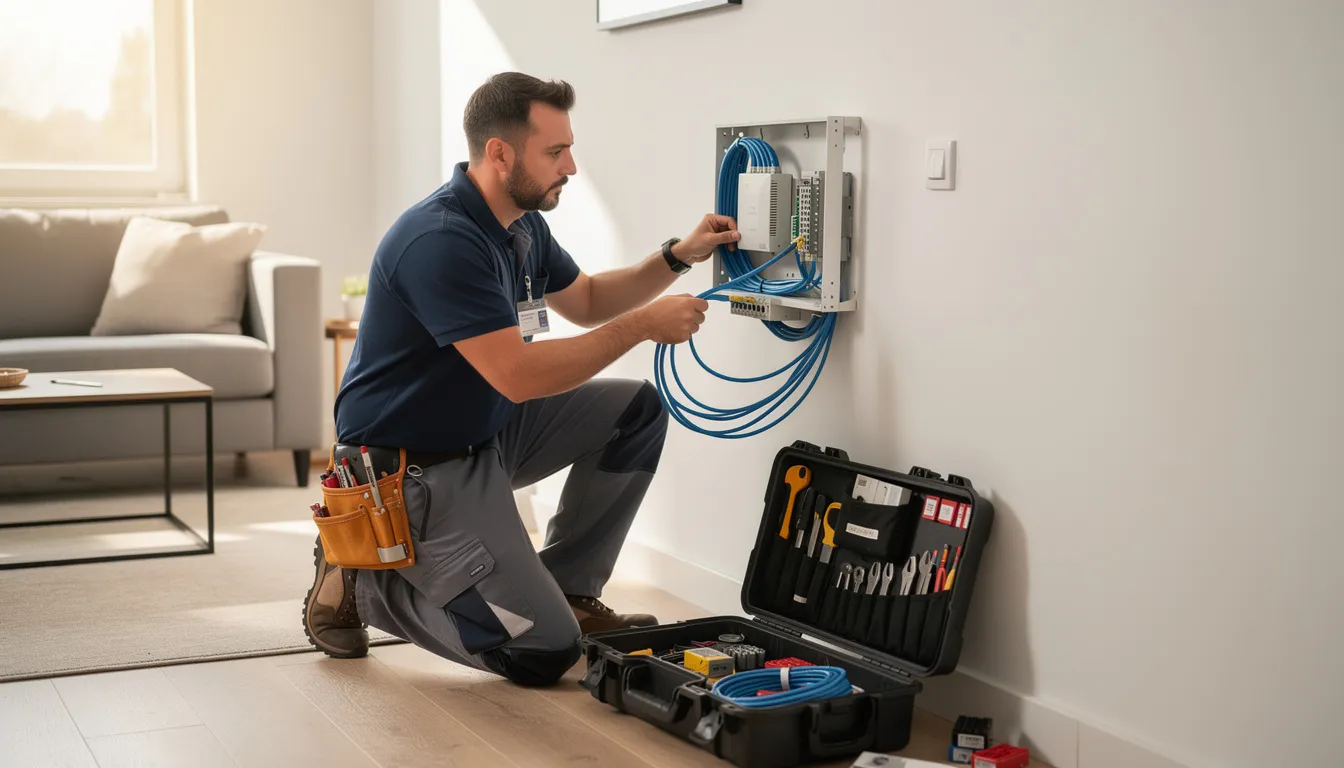
Fiber installation involves more infrastructure work:
- Technician runs fiber line to building (if not already present)
- Installs Optical Network Terminal (ONT) inside or just outside
- Connects ONT to gateway router via Ethernet
- Configures wi fi and tests connection
Important note: The ONT’s location can limit where you place your main router, so discuss placement preferences with your technician before installation.
Equipment choices: Fiber may require provider-approved hardware or a combo gateway. Some providers allow you to use your own router connected to their ONT.
Preparing for Installation Day
Before the technician arrives:
- [ ] Clear access to utility areas and potential installation points
- [ ] Decide where you want the router/gateway located
- [ ] Confirm any construction or inside-wiring fees in advance
- [ ] Ask about installation fee waivers (often available with longer commitments)
- [ ] Have your account information and order confirmation ready
- [ ] Plan for the installation window (typically 2-4 hours)
Security, Data Caps, and Other Fine Print
Beyond internet speed and price, policy differences around data caps, security, and service terms can significantly affect your experience over the life of your internet plan.
Data Caps: A Key Differentiator
Many big cable ISPs still impose monthly data caps:
|
Provider Type |
Typical Data Cap |
Unlimited Option |
|---|---|---|
|
Cable ISPs |
1-1.25 TB/month |
Often $30/month extra |
|
Fiber Providers |
Often unlimited data |
Usually included |
If you regularly stream 4K content, work with large data files, or have multiple devices constantly syncing, a 1 TB cap can become a real constraint. Fiber providers more often include unlimited data with no throttling.
Built-In Security Features
Both cable and fiber ISPs increasingly bundle security tools:
-
Basic firewall protection
-
Malware filtering
-
Parental controls
-
Network monitoring apps (like Comcast Business SecurityEdge)
However, users should still rely on their own devices and software for robust protection. A wired connection to your router provides more security than wireless for sensitive work.
Contracts and Termination Policies
|
Contract Element |
Cable |
Fiber |
|---|---|---|
|
Contract length |
Often 1-2 years required |
Many offer month-to-month |
|
Early termination fees |
Common ($10-20 per remaining month) |
Less common |
|
Price guarantees |
Rare beyond promo period |
More common (2-4 years) |
What to Check Before Signing
Scrutinize the fine print for:
-
Installation surcharges and professional installation fees
-
Promotional conditions and expiration dates
-
Price-lock durations and what triggers increases
-
Equipment return policies and damage fees
-
Economic adjustment charge or similar annual increases
-
Paperless billing requirements for promotional pricing
Google Fiber and Other Options
Google Fiber has become a top choice for businesses seeking fast, reliable internet service with gigabit speeds and high bandwidth. As a fiber optic internet provider, Google Fiber delivers exceptional download speeds and symmetrical performance, making it ideal for companies that rely on cloud applications, video conferencing, and large data transfers. However, its limited availability means not every business location can access this service.
Fortunately, there are other strong contenders in the business internet market. Providers like Comcast Business and AT&T Business offer a variety of business internet plans, including both fiber internet services and cable internet. Comcast Business, for example, includes features such as Comcast Business SecurityEdge to help protect business customers from online threats, adding an extra layer of security to your internet service.
When evaluating your internet options, consider not only the advertised speeds and price but also customer satisfaction ratings, contract terms, and included features. Look for providers that offer gigabit speeds, high bandwidth, and reliable customer support. Whether you choose Google Fiber, Comcast Business, or another provider, the right choice will depend on your bus
Dedicated Internet for Business
For businesses that demand the highest level of performance and reliability, dedicated internet is a smart investment. Unlike shared connections, dedicated internet provides your business with a direct, high-speed internet connection that isn’t affected by neighboring users. This ensures reliable connectivity, consistent speeds, and the ability to handle bandwidth-intensive activities like video conferencing, large data transfers, and cloud-based operations.
Fiber optic cables are commonly used for dedicated internet, delivering symmetrical speeds and high bandwidth to support multiple users and devices simultaneously. When choosing a dedicated internet provider, pay close attention to factors such as installation fees, contract length, and any early termination fee that may apply. A professional installation is essential for minimizing downtime and ensuring your internet connection is set up correctly from the start.
Look for providers that offer flexible plans, scalable speeds, and a price guarantee to help keep your business connected and your costs predictable. With dedicated internet, your business benefits from fast speeds, secure and reliable connectivity, and the ability to scale as your needs grow. Investing in a dedicated connection is a proactive way to support your team’s productivity and keep your business running smoothly, no matter how your internet demands evolve.
Choosing the Right Internet Plans
How to Decide: A Simple Fiber vs Cable Checklist
Apply everything you’ve learned to your specific situation with this decision framework.
Your Fiber vs Cable Decision Checklist
Step 1: Confirm Availability
-
[ ] Check fiber availability at your business location or home address
-
[ ] Check cable availability and speed tiers offered
-
[ ] Look into fixed wireless or wireless broadband as backup options
-
[ ] Contact local utilities about municipal fiber options
Step 2: Calculate True 2-Year Costs
-
[ ] Add up monthly fees after promotional period ends
-
[ ] Include equipment rental costs
-
[ ] Factor in data cap overage charges if applicable
-
[ ] Account for any required contract length
Step 3: Assess Your Usage Needs
-
[ ] Do you need fast upload speeds for work or content creation?
-
[ ] How sensitive is your work to lag (gaming, trading, telehealth)?
-
[ ] How many connected devices do you have now? In 2 years?
-
[ ] Do you have a business unlimited smartphone plan that could serve as backup?
Step 4: Evaluate Your Priorities
-
[ ] Long-term reliability and customer satisfaction
-
[ ] Lowest possible short-term price
-
[ ] Flexibility (no contract, flexible plans)
-
[ ] Future-proofing for growing bandwidth needs
The Rule of Thumb
Choose fiber when:
-
Available at your location and priced within your budget
-
You care about long-term performance and stability
-
Upload speeds matter for your work or hobbies
-
You want to keep your business running without connectivity issues
Choose cable when:
-
Fiber isn’t offered at your location
-
Introductory discounts are your top priority
-
Your usage is primarily download-focused (streaming, browsing)
-
You’re comfortable with potential peak-hour slowdowns
Re-evaluate your internet service every 12-24 months. Fiber buildouts continue expanding, pricing often improves, and your needs may change. What wasn’t available at your address last year might be available now.
FAQ
Is switching from cable to fiber internet really worth it?
Switching is usually worth it if you regularly experience slowdowns, need higher upload speeds for work or content creation, or want lower latency for gaming and video calls. A 2023 survey found that 77% of users who switched to fiber experienced faster speeds in practice.
However, if your current cable plan reliably meets your needs and you primarily browse and stream, you may not notice a dramatic difference. Fiber offers better headroom as your usage grows, but the immediate impact depends on your current pain points.
Do I need a special router or modem for fiber internet?
Fiber does not use a traditional cable modem. Instead, your service provider installs an Optical Network Terminal (ONT), which then connects to a router via Ethernet cable.
You can either use the ISP-supplied gateway router or purchase a compatible router that supports your fiber plan’s speeds. For gigabit speeds and multi-gig service, look for routers with Wi-Fi 6 or better and gigabit Ethernet ports.
Is Wi-Fi faster with fiber than with cable?
Wi-Fi speed is primarily limited by your router and devices, not the internet connection type. However, fiber’s more consistent, high-capacity dedicated connection to your home allows your Wi-Fi network to run closer to its maximum potential, especially during peak times when cable connections may be congested.
Upgrading to fiber won’t fix weak Wi-Fi coverage on its own. You may still need better routers or mesh systems to cover larger homes effectively.
Is fiber internet more secure than cable internet?
Both cable or fiber internet can be secured effectively with proper router settings, encryption, and good user practices. The biggest security differences usually come from ISP policies and equipment quality, not the physical medium itself.
That said, fiber optic cables are generally harder to tap without detection than copper coaxial cables. For most home and small business users, however, strong Wi-Fi passwords, firmware updates, and endpoint security matter far more than the transmission technology.
How long will fiber and cable internet remain “future-proof”?
Fiber is widely regarded as the most future-proof wired connection technology. The fiber itself can support speeds far beyond what consumer plans currently offer—upgrading to higher speeds mainly requires changing the electronics on each end, not replacing the cable. Some networks theoretically support speeds exceeding 3 Terabits per second.
Cable networks are evolving too (DOCSIS 4.0 promises faster speeds), but they face inherent bandwidth limitations compared to fiber. Users who want the most long-term headroom for smart homes, 8K streaming, advanced cloud applications, and whatever internet technologies come next should favor fiber where possible.