
Phone Repair Services in Indian Wells
Full-service phone repairs — screen fixes, battery swaps, software tune-ups, virus removal, and data recovery. Certified techs, quality parts, and honest, upfront pricing every time.

Proven Results, Every Time
More Than Just Repairs
Files Recovered
Phones Fixed
Happy Customers
We Keep It Simple
Need Phone Repair in Indian Wells, California?
Tips for Battery Health
Discover expert tips on battery care, storage management, and preventing costly damage.
Learn About Repairs
Understand how common phone issues are diagnosed and fixed with easy-to-follow guides.
Need extra guidance? Our team can answer your questions and point you to the right resources.
What To Do
Quick to Prolong Battery Health
Avoid Extreme Charging Habits
-
Don’t let your battery drain to 0% often.
-
Try to keep it between 20% – 80% for the best lifespan.
Keep Your Phone Cool
-
Heat is a battery killer—avoid leaving your phone in direct sunlight or hot cars.
-
Remove thick cases while charging if your phone heats up.
Use the Right Charger
-
Always use original or certified chargers.
-
Cheap, unregulated chargers can damage the battery over time.
Manage Charging Overnight
-
Modern phones stop charging at 100%, but staying plugged in for long periods can still create stress.
-
If possible, unplug after it reaches a full charge.
Things You Should Know
Learn About Phone Repairs
Smartphones are a big part of our lives—and when they stop working, it can feel like everything is on hold. Learning basic phone repairs can save you time, money, and stress.
Things You Should Know
Common Phone Issues You Can Learn to Fix
Here are some repairs that you might get interested.
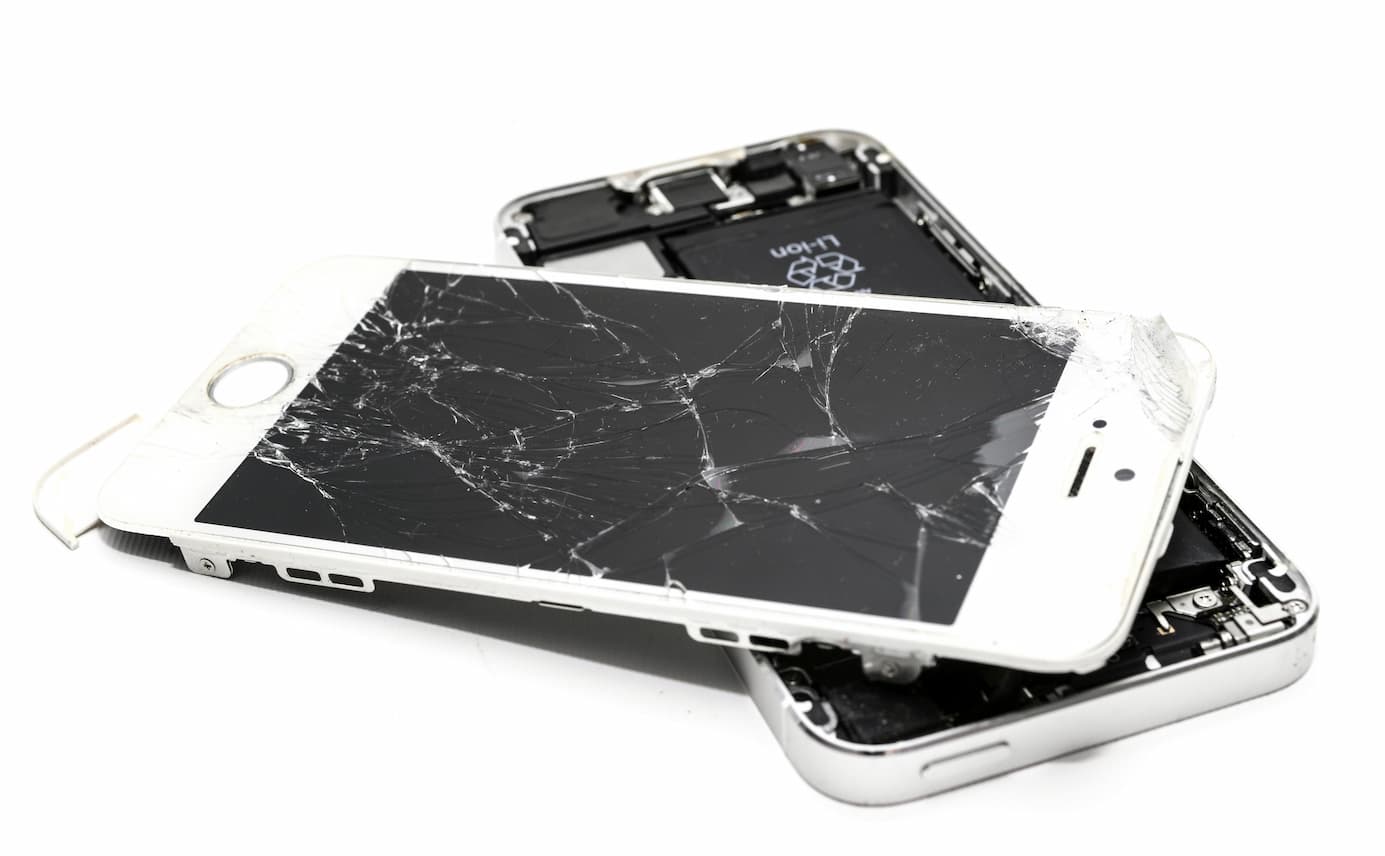
Cracked Screen Replacement
-
Requires a replacement screen, heat gun/hair dryer, and basic tools.
-
Patience is key—screens are delicate.
Battery Problems
-
Learn to replace swollen or dead batteries.
-
Use only manufacturer-approved replacements for safety.
Charging Port Issues
-
Sometimes it’s just dust or lint—clean it carefully with a toothpick or soft brush.
-
If damaged, the charging port can be replaced with the right tools.
Button Problems
-
Power and volume buttons may get stuck or stop working.
-
Often fixed by cleaning or replacing small parts.
Proven Results, Every Time
Phone Repair Checklist
Display & Touchscreen
☑️ Any cracks, lines, or dead spots on the screen?
☑️ Is the touch responsive across all areas?
☑️ Is the brightness working properly?
☑️ Any color distortion, flickering, or dark spots?
☑️ Does auto-brightness work correctly?
Camera & Sensors
☑️ Front and rear cameras working?
☑️ Any blurry or black camera screens?
☑️ Flashlight (LED) working properly?
☑️ Face unlock or proximity sensor functioning?
☑️ Does the gyroscope (screen rotation) work?
Buttons & Controls
☑️ Power button responsive?
☑️ Volume up/down buttons working?
☑️ Home or fingerprint button working?
☑️ Mute switch (if available) functional?
☑️ Touch gestures respond smoothly?
Phone Problems? We Fix Them
Phone acting up? Bring it in for a rapid assessment and expert repair service.