
RNRPC Repair Blog
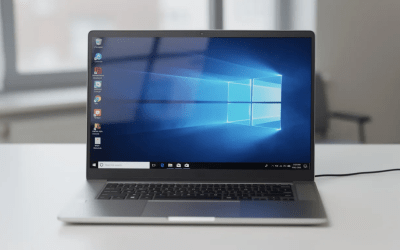
Windows 10 Reinstall: Step‑by‑Step Guide for a Clean or In‑Place Install
You can reinstall Windows 10 either as an in-place repair (keeping files and apps) or as a clean install (wiping everything and starting fresh). Always back up your data to an external drive or cloud storage like OneDrive or Google Drive before starting any reinstall...
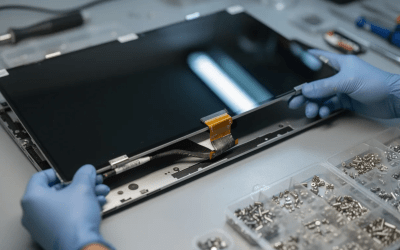
How Much Does It Cost to Repair a Computer in 2026?
Computer repairs are a vital part of keeping your devices running smoothly, whether you’re a home user or managing a business. As technology becomes more integrated into daily life, the need for reliable repair services has only grown. The average computer repair...
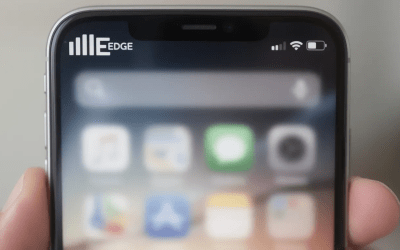
What Does the E Mean on My Phone?
The E symbol on your phone means you’re connected to EDGE (Enhanced Data Rates for GSM Evolution), a very slow 2G data network that delivers speeds around 100–200 kbps—roughly 50 to 100 times slower than 4G LTE. You typically see the E symbol when 4G, LTE, or 5G...

Drivers NVIDIA: Download, Update & Fix Stuttering Issues
The safest way to get nvidia drivers is via the official NVIDIA website or GeForce Experience—avoid third-party download sites. Some recent game ready drivers (e.g., version 572.16) have caused stuttering and FPS drops for many users, and rolling back to version...
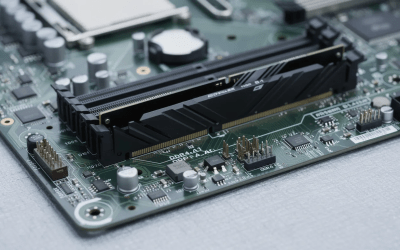
Computer Freezes Randomly: Causes, Fixes, and When to Worry
Random freezes typically stem from overloaded resources, overheating, outdated drivers, malware, or failing hardware like RAM or hard drives. Start with simple fixes first: restart your machine, close heavy apps, run a malware scan, and update Windows along with all...
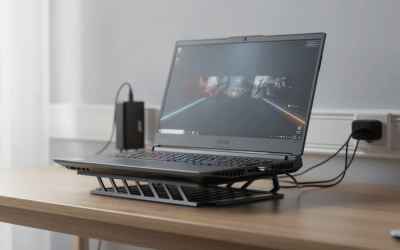
GTA 5 Crashing: Causes, Fixes & Step-By-Step Troubleshooting (2024)
GTA 5 remains one of the most-played games on PC, but crashes can turn a smooth session in Los Santos into a frustrating desktop return. Whether your game freezes during a heist, crashes on the loading screen, or throws cryptic error codes like 0xc0000005, this guide...
Your Local IT Experts Are Here to Help
Same-week appointments available — get back up and running fast. Proudly serving Palm Desert, Palm Springs, Rancho Mirage, Indian Wells, La Quinta, Cathedral City, Indio, and nearby