
Computer Repair Services in Palm Desert
We provide complete computer repair services — from hardware replacement and software fixes to virus removal, upgrades, and data recovery. Our certified technicians use quality parts, ensure peak performance, and offer clear, upfront pricing before any work begins.
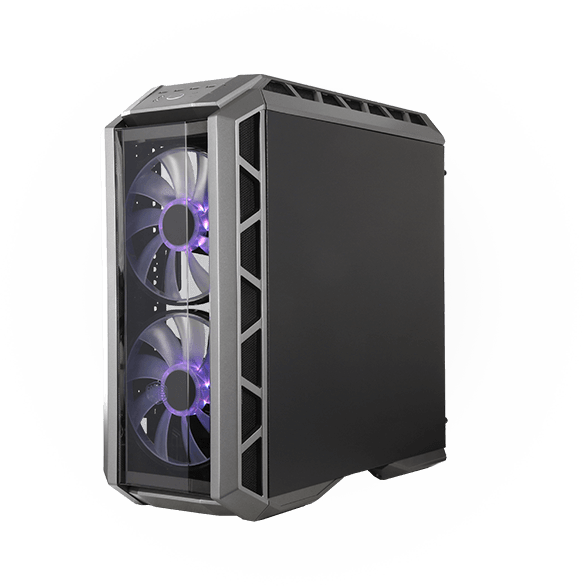
Services Offered
Whatever the Problem, We’ve Got You Covered
Hardware, software, or performance issues — we repair all computers with quality parts and expert care.
Personal Computer
Fast fixes for business-critical hardware and software issues.
Gaming Computer
Fast fixes for business-critical hardware and software issues.
Office/Gaming Laptop
Fast fixes for business-critical hardware and software issues.
Macbook
Fast fixes for business-critical hardware and software issues.
We Keep It Simple
Common Signs Your PC Needs Help
Seeing these signs? Bring your PC to RnR PC Repair today — we’ll fix it fast, use quality parts, and back it with a warranty.
Slow Performance
If your computer takes too long to start, open programs, or respond to clicks, it could be a sign of hardware issues, insufficient memory, or malware.
Overheating
If your PC feels hot to the touch or shuts down suddenly, it may be overheating due to dust buildup, failing fans, or thermal paste issues.
Strange Noises
Clicking, grinding, or unusually loud fan sounds may signal hard drive failure or cooling system problems.
Unusual Pop-ups or Error Messages
Random pop-ups, error alerts, or programs opening on their own could point to malware or corrupted system files.
Things You Should Know
Why does my PC crash or freeze?
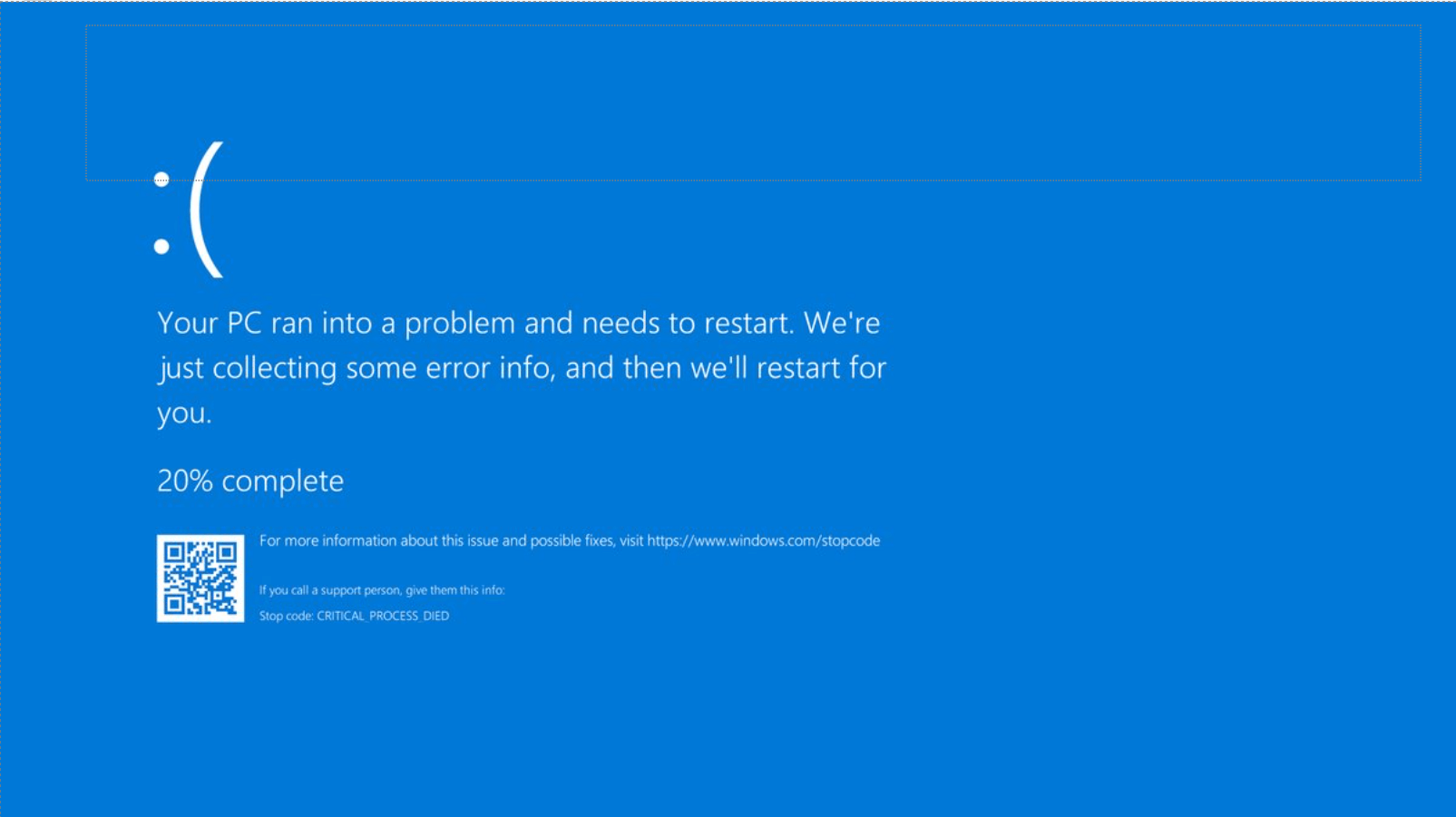
Random restarts, blue screens, or apps that lock up usually point to hardware faults or system conflicts. Common causes include overheating, bad RAM or SSD, a weak power supply, driver issues, or corrupted Windows files. We run thermal and stress tests, memory and drive diagnostics, and review event logs and drivers—then repair Windows or replace the failing part.
Bring your PC to RnR PC Repair for a quick check and a clear estimate before any work begins.
CPU/GPU Overheating
Bad RAM/ SSD
Weak Power Supply
Corrupt Window Files
What To Do
Quick Tips to Stop PC Crashes
Cool It Down
Dust and heat cause crashes. Power off, clean vents, make sure all fans spin, and keep at least a few inches of space around the case.
Update Drivers & Windows
Install Windows Updates, then update GPU/chipset drivers from the manufacturer. Reboot after updates.
Test Your RAM
Reseat the RAM sticks. Run Windows Memory Diagnostic. If errors appear, test one stick at a time.
Check the Drive
Keep 20% free space. Run CHKDSK and check SMART health. If the drive shows warnings or is very slow, plan to replace it (SSD recommended).
Still Crashing? We’ll Fix It
Bring your PC to RnR PC Repair for a full diagnostic and clear estimate. Same-day repairs when parts are in stock.
We Keep It Simple
Need Computer Repair in Palm Desert, California?
Stories from Satisfied Clients
See how RNRPC solves tough issues with clear updates, fast replies, and reliable results.

Company Network Security fixed
I got a hold of Richard because our companies network was breached. We had very important information that belonged to our clients like; Drivers License, Social Security Numbers, and Bank Account information. The hackers attempted to file fake tax returns. We had an internal investigation happen and the FBI and IRS stepped in. Our boss was freaking out and I was tasked with finding a computer repair business that handled Forensics and Network Security. Let me tell you… Richard and his team are the best in town. I’m shocked people like Richard even exist! Reach out to them and they will definitely take care of you and all your computer needs.
Chris Cady
Laptop Battery not charging properly
They go the extra mile to make sure you’re satisfied!
My six-year-old Microsoft Surface Pro battery was not charging properly and would only work if plugged in. At first, I thought there might be a driver problem, but could not seem to isolate and correct the issue. When presented with the problem, Richard was skeptical that the problem was a software driver. After several attempts to update the software drivers and encountering the “Blue Screen of Death”, Richard’s team opened the computer and found several pieces of failed non-OEM hardware which was likely the result of a repair made by another computer repair shop three years ago. Undaunted by their findings, after getting my approval the technicians secured the replacement parts and got my computer working again. I couldn’t be happier with the end result.
Chuck Colton

RNRPC Computer Repair Experience
There are not enough stars adequate enough to rate my experience with RNRPC Computer Repair. Before the Thanksgiving Holiday my son’s computer crashed. Fortunately we got in touch with Richard and he had us come in promptly. He explained his process of how during the diagnostics he would update through text message before proceeding with any repairs. After giving the go ahead the PC was repaired and we brought it home. After a mistake on our end another problem came up and the PC was crashing again. We contacted Richard and he had us bring it right back in (the day before Thanksgiving). Even being so busy and during a Holiday week the amount of accommodation Richard extended was tremendous and gracious. His professionalism is unmatched as well as his excellent communication and expertise. I highly recommend his services to anyone in need of any computer or device repairs. I am a local Realtor with Berkshire Hathaway Home Services in Indian Wells and I know I will only rely on his company for any future repairs.
Sidra Rednall

Custom-built Gaming Desktop Failed Boot up
I brought my custom-built gaming desktop to RNRPC the same day it suddenly failed to boot. Richard listened, quickly diagnosed an extremely rare firmware-update issue that prevented multiple components from powering up, and fixed it. Throughout the repair he was professional with excellent customer service, used methodical diagnostics that checked every hardware and software component, sent detailed progress reports, replied quickly to my questions, and gave clear, easy-to-understand advice—plus he’s a fellow gamer. Although I hope never to face another critical failure, RNRPC is where I’ll take my desktop, and I’ll consider them for future upgrades. Thank you, Richard!
Luis Robles

Alienware Gaming Laptop Randomly Crashed
My Alienware gaming laptop randomly crashed; Best Buy sent it to Dell, who couldn’t find the problem and said it was likely beyond saving or as costly as a new machine. Ready to sell it for parts, I tried RNRPC for a second opinion—and I’m so glad I did. They immediately dug in, explained it wouldn’t be simple but they’d pursue every avenue, kept me updated on methods and progress, sourced repair hardware even overseas, and consulted colleagues and computer professors. The repair took longer than I expected, but their commitment, clear communication, expertise, and “no fix, no fee” policy gave me peace of mind—and they ultimately found and fixed the issue. If you’ve got a tricky tech problem everyone else writes off, try RNRPC; they worked a miracle on my machine.
Brandon Galvez
Company Network Security fixed
I got a hold of Richard because our companies network was breached. We had very important information that belonged to our clients like; Drivers License, Social Security Numbers, and Bank Account information. The hackers attempted to file fake tax returns. We had an internal investigation happen and the FBI and IRS stepped in. Our boss was freaking out and I was tasked with finding a computer repair business that handled Forensics and Network Security. Let me tell you… Richard and his team are the best in town. I’m shocked people like Richard even exist! Reach out to them and they will definitely take care of you and all your computer needs.
Chris Cady
Laptop Battery not charging properly
They go the extra mile to make sure you’re satisfied!
My six-year-old Microsoft Surface Pro battery was not charging properly and would only work if plugged in. At first, I thought there might be a driver problem, but could not seem to isolate and correct the issue. When presented with the problem, Richard was skeptical that the problem was a software driver. After several attempts to update the software drivers and encountering the “Blue Screen of Death”, Richard’s team opened the computer and found several pieces of failed non-OEM hardware which was likely the result of a repair made by another computer repair shop three years ago. Undaunted by their findings, after getting my approval the technicians secured the replacement parts and got my computer working again. I couldn’t be happier with the end result.
Chuck Colton
RNRPC Computer Repair Experience
There are not enough stars adequate enough to rate my experience with RNRPC Computer Repair. Before the Thanksgiving Holiday my son’s computer crashed. Fortunately we got in touch with Richard and he had us come in promptly. He explained his process of how during the diagnostics he would update through text message before proceeding with any repairs. After giving the go ahead the PC was repaired and we brought it home. After a mistake on our end another problem came up and the PC was crashing again. We contacted Richard and he had us bring it right back in (the day before Thanksgiving). Even being so busy and during a Holiday week the amount of accommodation Richard extended was tremendous and gracious. His professionalism is unmatched as well as his excellent communication and expertise. I highly recommend his services to anyone in need of any computer or device repairs. I am a local Realtor with Berkshire Hathaway Home Services in Indian Wells and I know I will only rely on his company for any future repairs.
Sidra Rednall
Custom-built Gaming Desktop Failed Boot up
I brought my custom-built gaming desktop to RNRPC the same day it suddenly failed to boot. Richard listened, quickly diagnosed an extremely rare firmware-update issue that prevented multiple components from powering up, and fixed it. Throughout the repair he was professional with excellent customer service, used methodical diagnostics that checked every hardware and software component, sent detailed progress reports, replied quickly to my questions, and gave clear, easy-to-understand advice—plus he’s a fellow gamer. Although I hope never to face another critical failure, RNRPC is where I’ll take my desktop, and I’ll consider them for future upgrades. Thank you, Richard!
Luis Robles
Alienware Gaming Laptop Randomly Crashed
My Alienware gaming laptop randomly crashed; Best Buy sent it to Dell, who couldn’t find the problem and said it was likely beyond saving or as costly as a new machine. Ready to sell it for parts, I tried RNRPC for a second opinion—and I’m so glad I did. They immediately dug in, explained it wouldn’t be simple but they’d pursue every avenue, kept me updated on methods and progress, sourced repair hardware even overseas, and consulted colleagues and computer professors. The repair took longer than I expected, but their commitment, clear communication, expertise, and “no fix, no fee” policy gave me peace of mind—and they ultimately found and fixed the issue. If you’ve got a tricky tech problem everyone else writes off, try RNRPC; they worked a miracle on my machine.
Brandon Galvez
Your Local IT Experts Are Here to Help
Same-week appointments available — get back up and running fast. Proudly serving Palm Desert, Palm Springs, Rancho Mirage, Indian Wells, La Quinta, Cathedral City, Indio, and nearby